 Preparing player…
More Cozy Pixel games
View category
Rock Paper Scissors Exclusive
Play Rock Paper Scissors Exclusive free — a fresh take on the classic rock paper scissors game. Challenge a friend or the CPU. Play now on MisuChan!

Drive Taxi
Pick up and deliver passengers while dodging traffic in Drive Taxi — a free taxi driver game. Play in your browser, no download needed.

Angry Sharks
Play as a mutant shark, eat fish to grow, and survive human attacks in Angry Sharks — a free shark game on MisuChan!
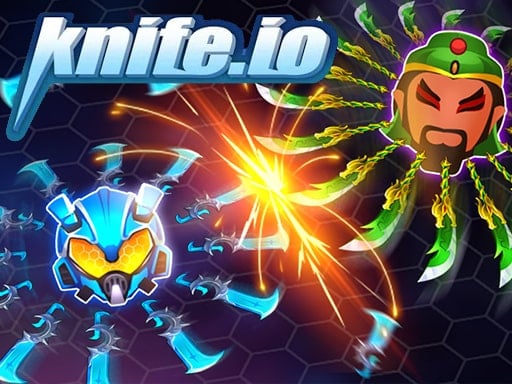
Knife.io
Play Knife.io free - collect blades and spin to slay rivals in this addictive multiplayer io game. No download needed. Battle now on MisuChan!
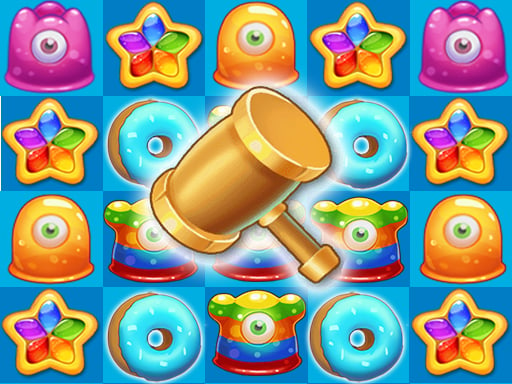
Tasty Jewels
Swipe and match jewel candies in Tasty Jewels — a free match 3 game with lots of levels and handy boosters. Pop your way to the finish on MisuChan!
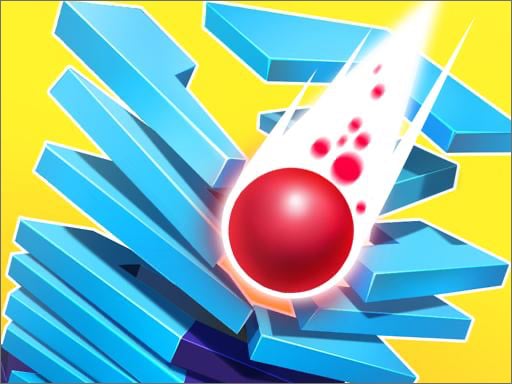
Stack Ball 2
Smash through helix platforms in Stack Ball 2 — a free 3D ball drop game. Avoid the black tiles or build speed for a fireball run. Play now on MisuChan!

Bridal Boutique Salon Wedding Planner
Choose the dress, do the makeup, make the cake, and style the groom in this free wedding dress up game. Plan the perfect day in Bridal Boutique — play free.

Drive Boat
Play Drive Boat free — pilot your boat along a river, collect passengers, and dodge traffic in this casual boat game. Simple controls, no download needed.
How to Play DIY Custom Keyboard Maker
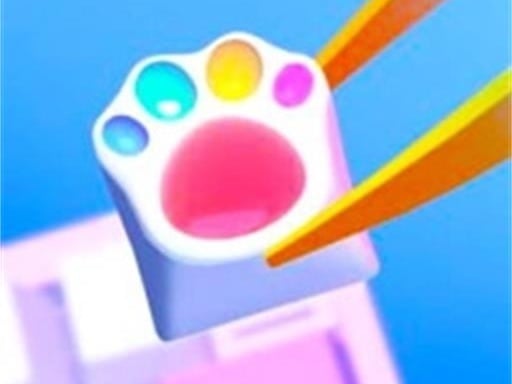
Pick a crafting method, then tap and drag the colors, keycaps and decorations to assemble and customize your keyboard.
About DIY Custom Keyboard Maker
Build your own dreamy custom keyboards in this unique and satisfying art game. Experiment with five crafting methods including resin, acrylic, pop-it, stencil and decor, then add cute keycaps and ornaments to create colorful, one-of-a-kind designs. A relaxing creative game for players who love DIY crafting, drawing and showing off their own keyboard style.
DIY Custom Keyboard Maker is a free Cozy Pixel game you can play in your browser. Tagged boys, cute, girls, kids.
Frequently Asked Questions
What crafting methods does DIY Custom Keyboard Maker include?+
The game offers five crafting methods — resin, acrylic, pop-it, stencil, and decor — each letting you create a different style of custom keyboard.
Can you personalize the keyboards in DIY Custom Keyboard Maker?+
Yes — after choosing your crafting method you can add cute keycaps and ornaments to create colorful, one-of-a-kind keyboard designs.
Is DIY Custom Keyboard Maker free to play?+
Yes, it's completely free to play in your browser — no download needed.